
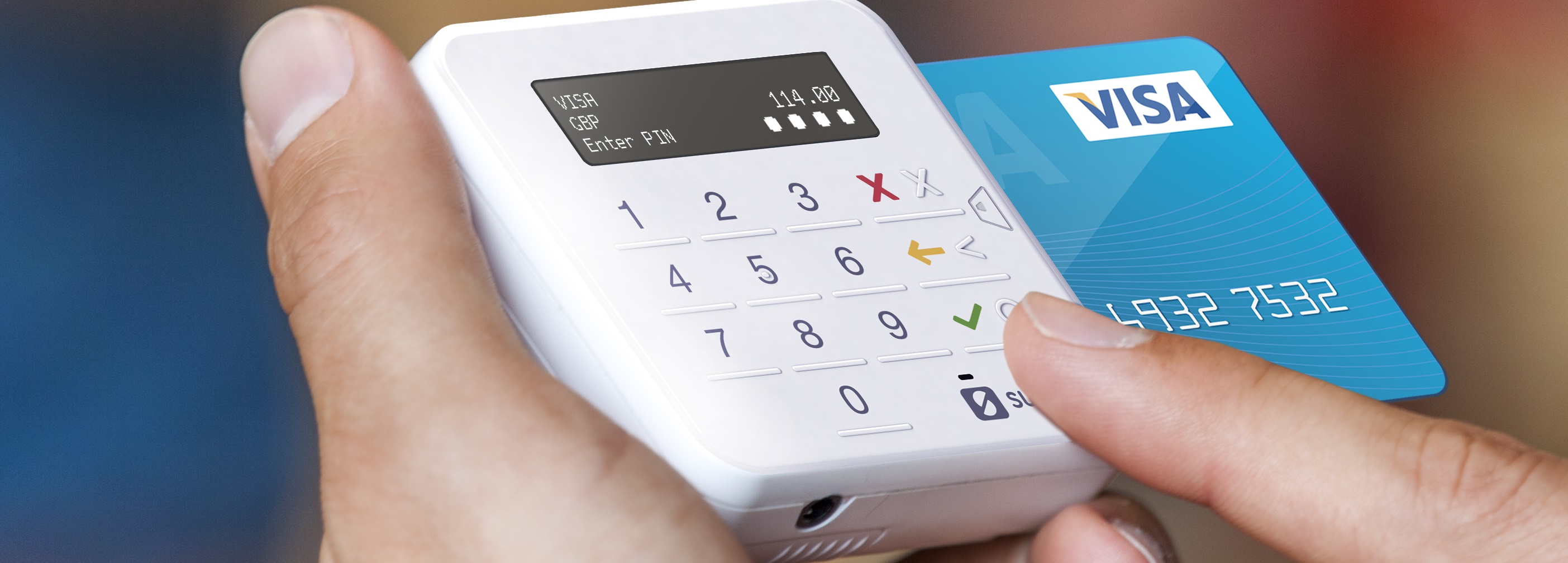
What are the benefits of contactless giving?
- Easy for givers and churches: Contactless giving devices are quick and easy to use for givers, and they are also straightforward for churches to manage. Real-time access to donation reporting, Gift Aid declarations, and automatic transfers to your church’s bank account helps to save time.
- A good investment: In 2025, the average amount that a parish raised through contactless giving in that year was £2,760. This means that many devices pay for themselves within a relatively short space of time.
- Visitor donations: Having a contactless giving device is beneficial both for regular members and visitors to your church. It offers people the opportunity to give as a one-off, or as a means of regular giving without setting up an automated gift.
What options are available for contactless giving?
- Parish Buying (please could this be linked to https://parishbuying.org.uk/) has a list of recommended devices which are suited to churches. They also offer a discounted rate when purchasing devices from parish buying rather than through the supplier.
- We would recommend checking your connectivity first before deciding on a device. You can check your connectivity levels using this website: https://www.ofcom.org.uk/mobile-coverage-checker. There are devices available for churches with wifi, churches with no wifi but mobile connectivity, and churches with no connectivity.
Try before you buy
We have a small number of CollecTin More devices available for short time hire for those churches who have WiFi or mobile signal coverage.
If you are interested in trying before you buy, please contact Molly Reuter (molly.reuter@chichester.anglican.org) if you are in the East of the diocese or Sarah Rogers (sarah.rogers@chichester.anglican.org) if you are in the West of the diocese. Molly and Sarah will ask you to create some accounts in order to use the device and check your signal coverage, and then you will be added to the waiting list.

Top tips for using a contactless device:
- Location: think about where the best place in your building might be to situate a giving device, where it is visible and can be easily accessed. There may also be some practical factors to bear in mind (e.g., access to a plug point).
- Signage and setup: an eye-catching poster will help draw people’s attention to the opportunity to give (you could use the Church of England template available here on Canva). You may also want to put signs up in other parts of the building to let people know where they can make a contactless donation. If you can customise what’s displayed on screen, consider using imagery and clear messaging.
- Demonstrate impact: alongside your donation device, include leaflets or posters that show the kind of things a donation could help fund. Don’t be shy about sharing the great things your church does and remember these don’t have to be large scale activities. Simply having the building open or providing funeral ministry will have an impact on your local community. Many people struggle to engage with number or statistics so short stories, quotes, and pictures are great ways of communicating impact.
- Make the ask: think about how to make the giving ask well, the difference people’s giving makes, and how to let people know there is the option to give using contactless
- Gift Aid: many devices can capture on-screen Gift Aid declarations. For those that can’t, you might consider using paper forms (like this one) and also claiming eligible donations under the Gift Aid Small Donations Scheme (see here for more information).